


Facing Challenges on the Shopfloor?
Problem
Frontline manufacturing teams face growing complexity in their day-to-day tasks. New more complex equipment, tighter regulations, and a shortage of skilled workers make it hard to train employees consistently, execute procedures efficiently, and keep production moving.
Solution
TaskNav provides digital work instructions directly to the worker where the work is happening. It combines interactive guidance, video coaching, real-time data capture, and remote support, so workers can learn, operate, and troubleshoot, efficiently and with confidence.
Outcomes
- Consistent Processes
- Increased productivity
- Confident team
TaskNav Features

Interactive Digital Work Instructions
Clear, visual procedures replace text heavy documents. Instructions are enriched with images, video, and optional 3D content.

Video-to-SOP Workflow Creation
Automatically convert recorded procedures into structured digital SOPs, streamlining content creation and updates.

Connected Worker Platform
Connect operators, technicians, supervisors, and experts in one digital ecosystem with consistent, controlled procedures.

Remote Expert Support
Enable real-time collaboration with specialists for troubleshooting, validation, or high-risk tasks.

Traceability and Compliance
Capture electronic signatures, time stamps, and step-by-step activity logs to support regulated operations. TaskNav integrates directly with MES, CMMS, and LMS systems.

Real-Time Data Capture
Track completions, bottlenecks, and recurring issues to drive continuous improvement and identify training needs.
Key Capabilities
Connect your workforce and support critical process without paper or guesswork.

Fully Integrated into Your System
TaskNav integrates directly with MES, CMMS, and LMS systems; embedding digital guidance into the tools your teams already use.
- Training is validated and automatically documented in the LMS.
- Maintenance procedures are triggered from the CMMS, based on schedule or condition.
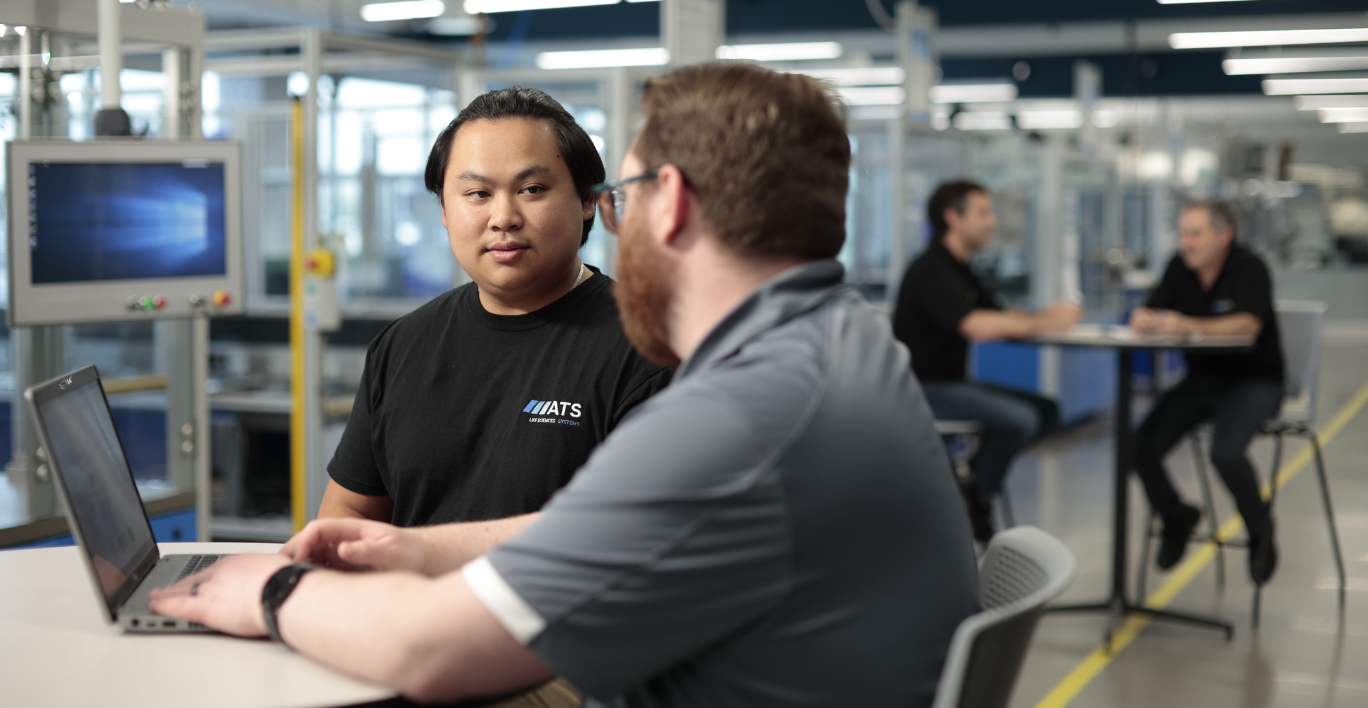
Training and Onboarding
Use TaskNav as an on the job digital learning platform to bring procedures to life:
- Deliver hands-on learning through interactive digital work instructions.
- Provide role-based procedures to match worker authorization.
- Reduce time spent shadowing or retraining.
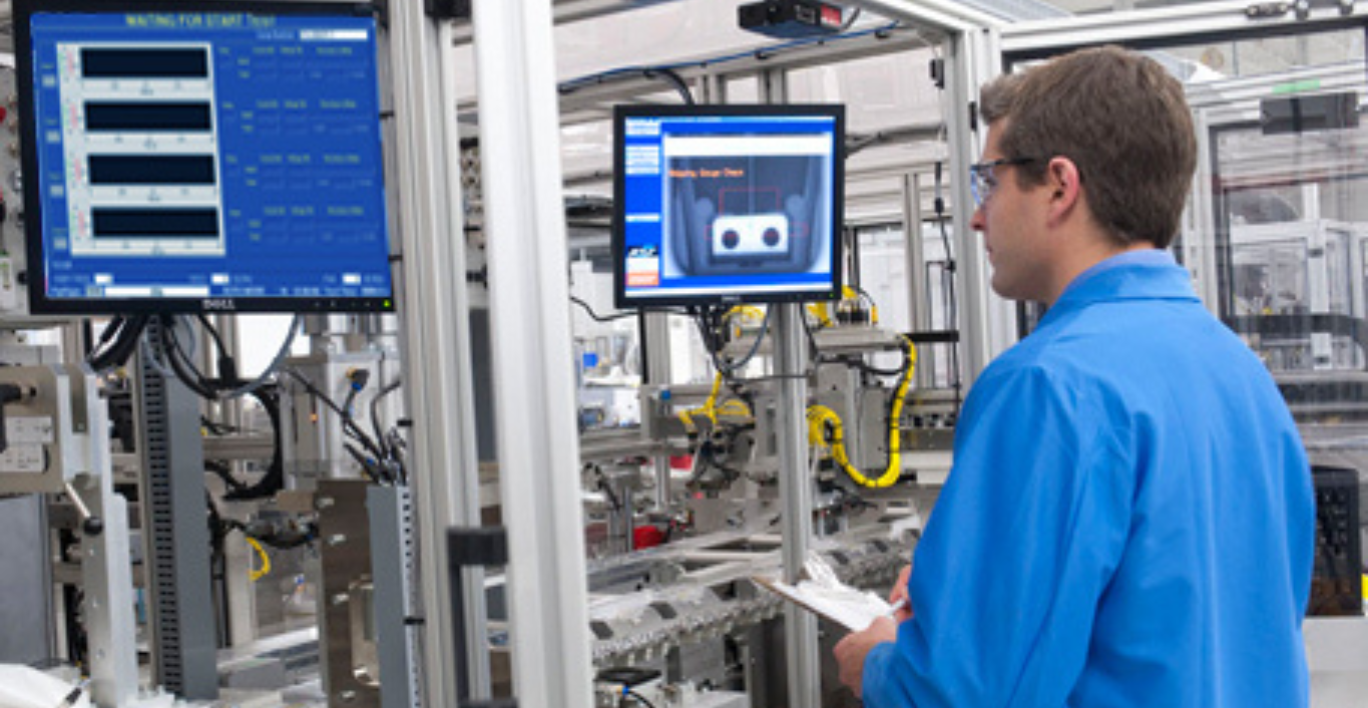
Production Support
Support operators through complex setups, changeovers, and quality checks:
- Guide changeovers, inspections, and setups.
- Trigger the right workflow using QR codes or equipment markers.
- Ensure operators follow defined steps and validations.
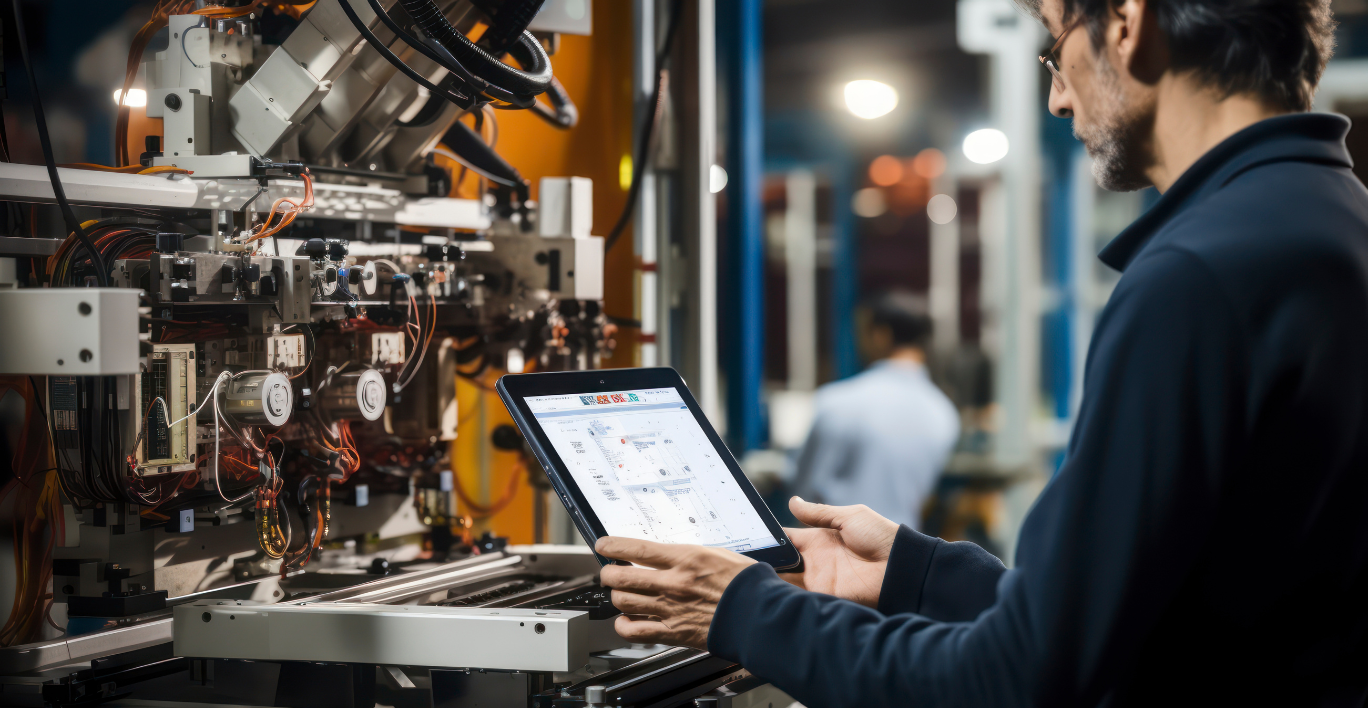
Maintenance and Troubleshooting
Use TaskNav to strengthen maintenance instructions and production maintenance workflows:
- Support preventive and corrective tasks with visual instructions.
- Use PLC triggered workflows to address faults immediately.
- Enable remote experts to assist through live video and annotations.
Quality and Compliance
Support quality and safety adherence with digital SOPs that enforce the right steps, in the right order:
- Enforce critical safety checks before work begins.
- Prevent progression until mandatory steps are completed.
- Retain full traceability for audits or investigations.
Remote and High-Risk Operations
For nuclear and other high-risk environments, TaskNav enables remote guidance and validation:
- Use smart glasses for hands-free guidance.
- Allow experts to validate steps remotely.
- Capture complete records of every intervention.
How TaskNav Works
A 5-step implementation journey: Pilot → Digitize → Workflow → Deploy → Scale
01

Identify High-Value Use Cases
Start with a focused pilot that targets a high-impact area: a critical maintenance procedure, a new line startup, or a safety-sensitive intervention.
Define success metrics such as OEE impact, training time, or reduction in stoppages.
02
Capture & Digitize Existing Knowledge
Bring together SMEs, maintenance teams, and operators to capture the way work happens today.
Import existing SOPs or record live tasks and organize procedures into clear templates that match your operational structure.
We have a dedicated team to support you along the way, with weekly check-ins and feedback gathering.
03

Build Interactive Workflows
Transform static instructions into guided workflows. Add checks, decision branches, media, and safety gates.
Configure which roles can perform which tasks, and define where approval or dual validation is required.
04

Deploy to Frontline Teams
Roll out the solution on tablets, HMIs, laptops, or mixed reality smart glasses, depending on the environment.
Operators and technicians can now access digital work instructions, maintenance instructions, and training workflows at the point of need.
05
Monitor, Refine, and Expand
Use captured data, completion times, and user feedback to refine workflows and address bottlenecks.
Once the pilot proves value, extend TaskNav across more lines, plants and regions; scaling a common standard for frontline worker training, production maintenance and compliant critical tasks.
Ready to Support Your Frontline Teams?
TaskNav delivers digital work instructions right where the work happens – when it matters most.
So, manufacturers can train, guide, and support their teams with confidence.
